Student Management System
تفاصيل العمل
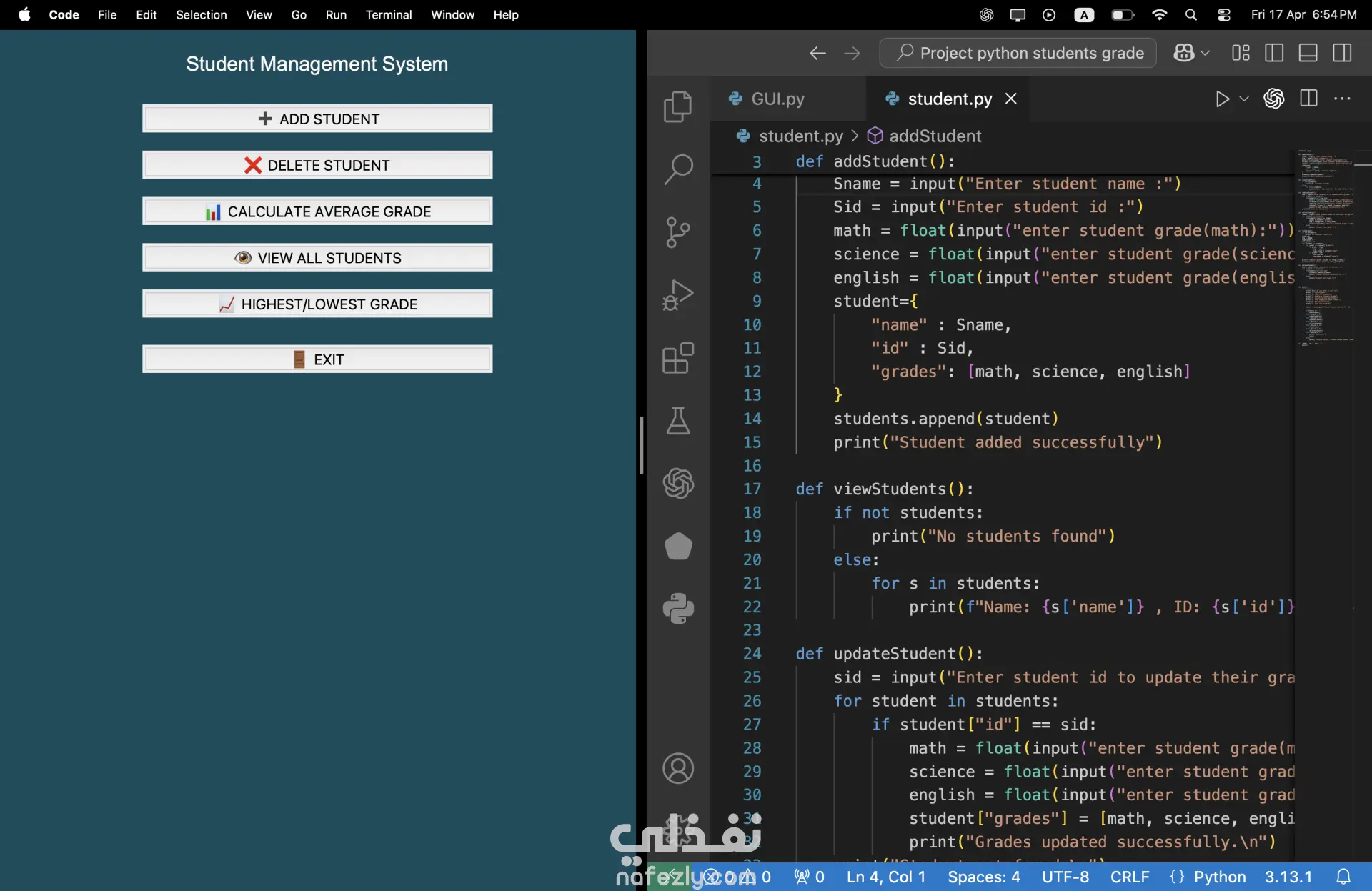
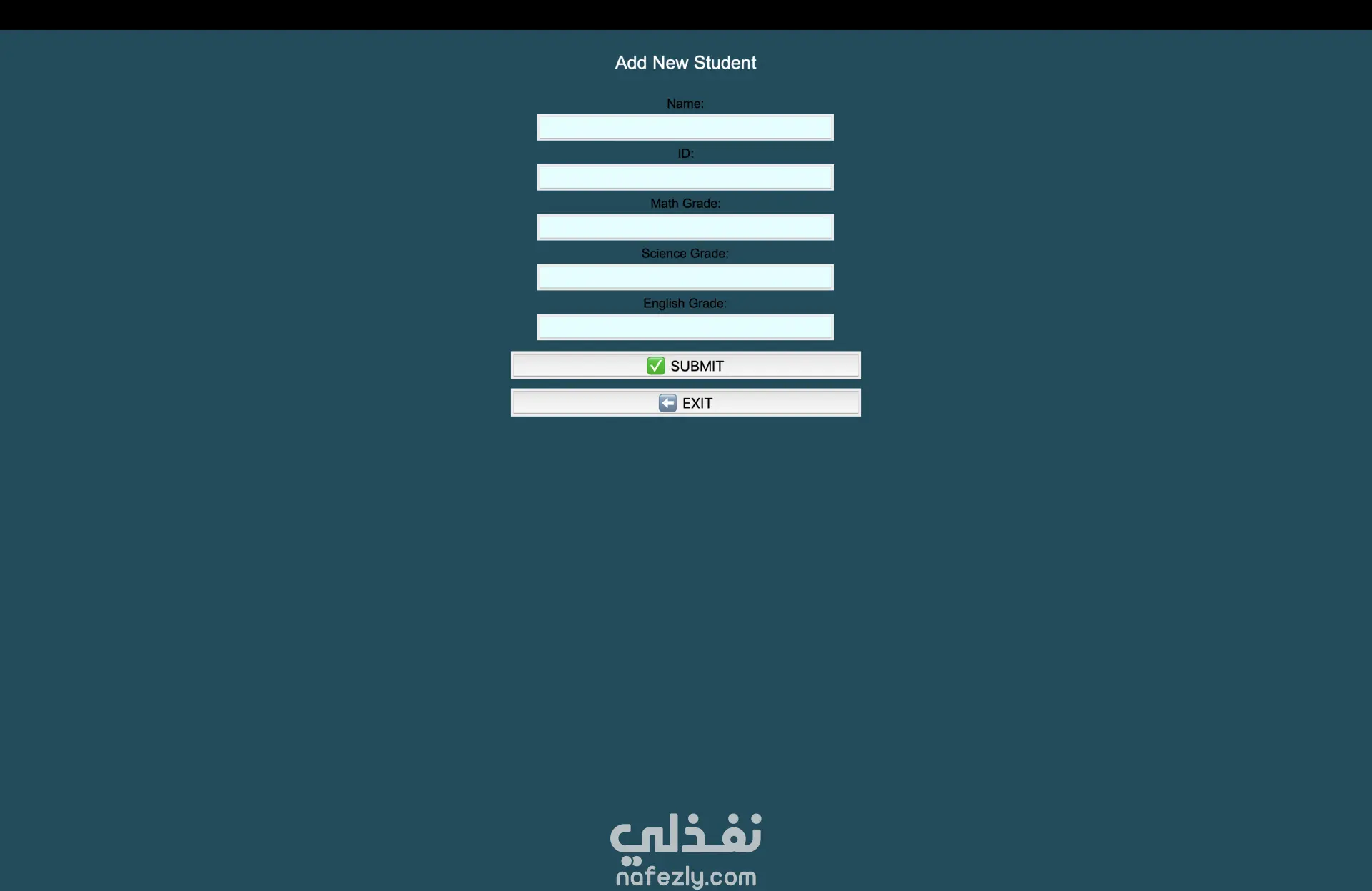
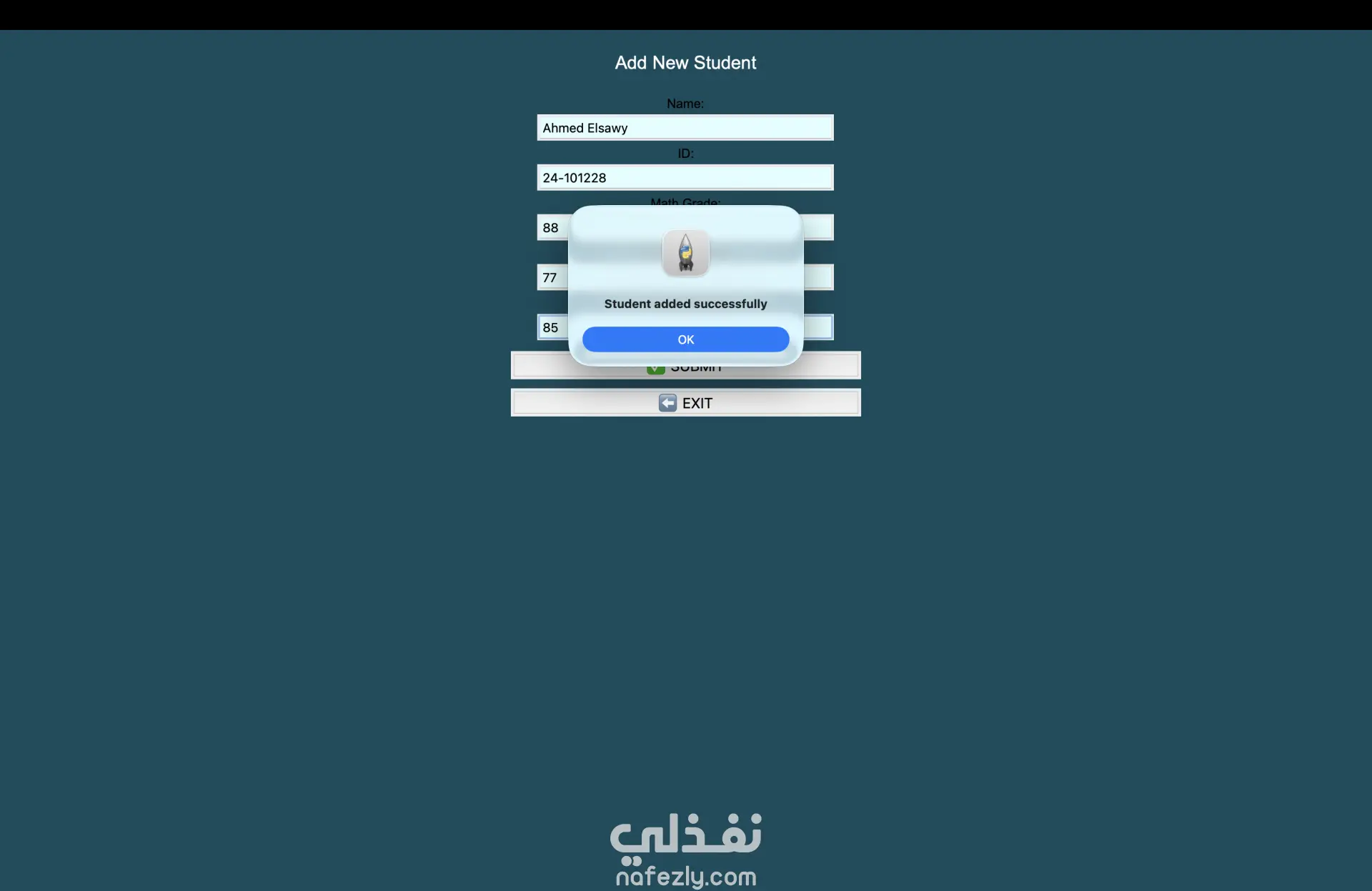
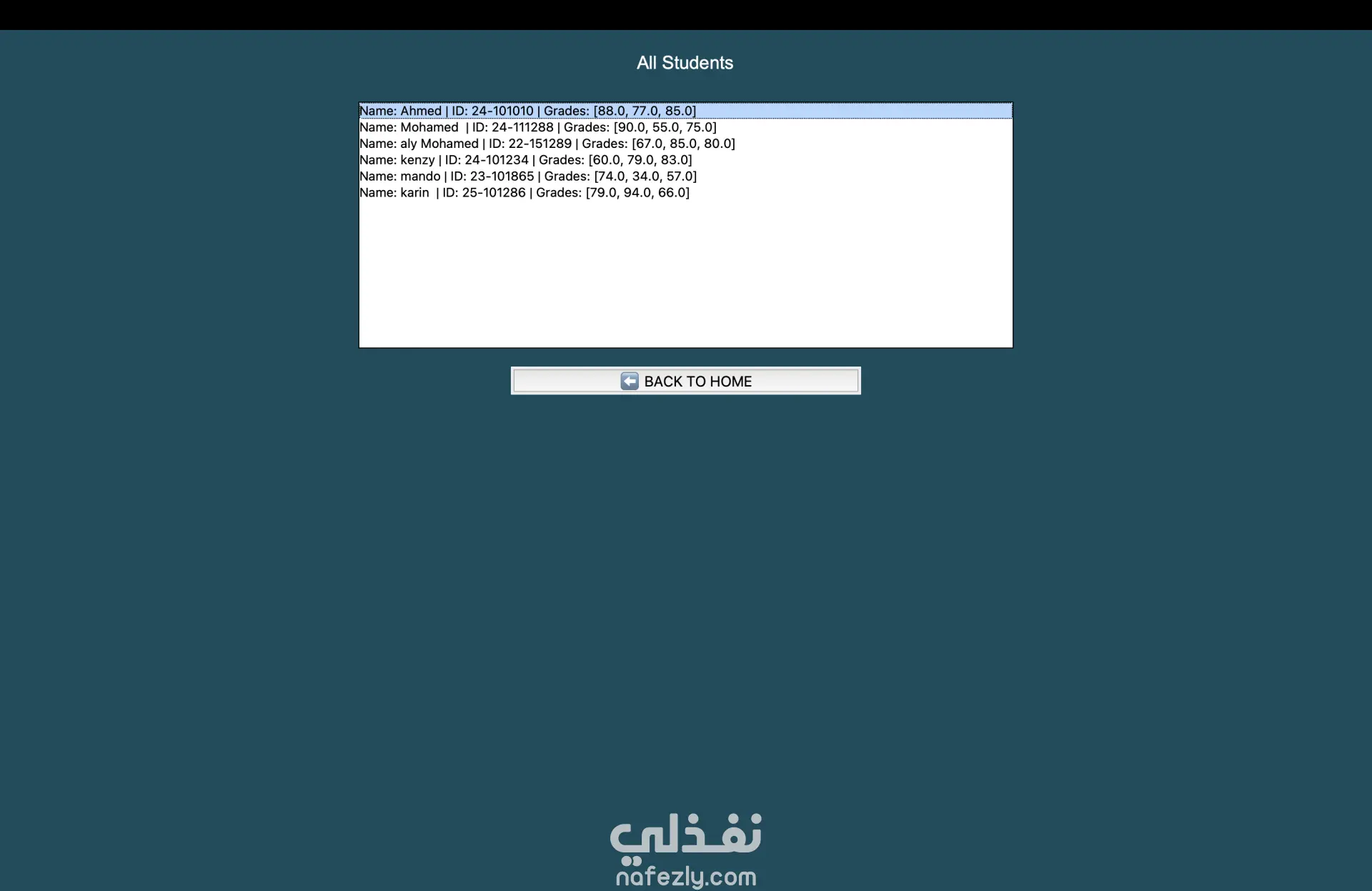
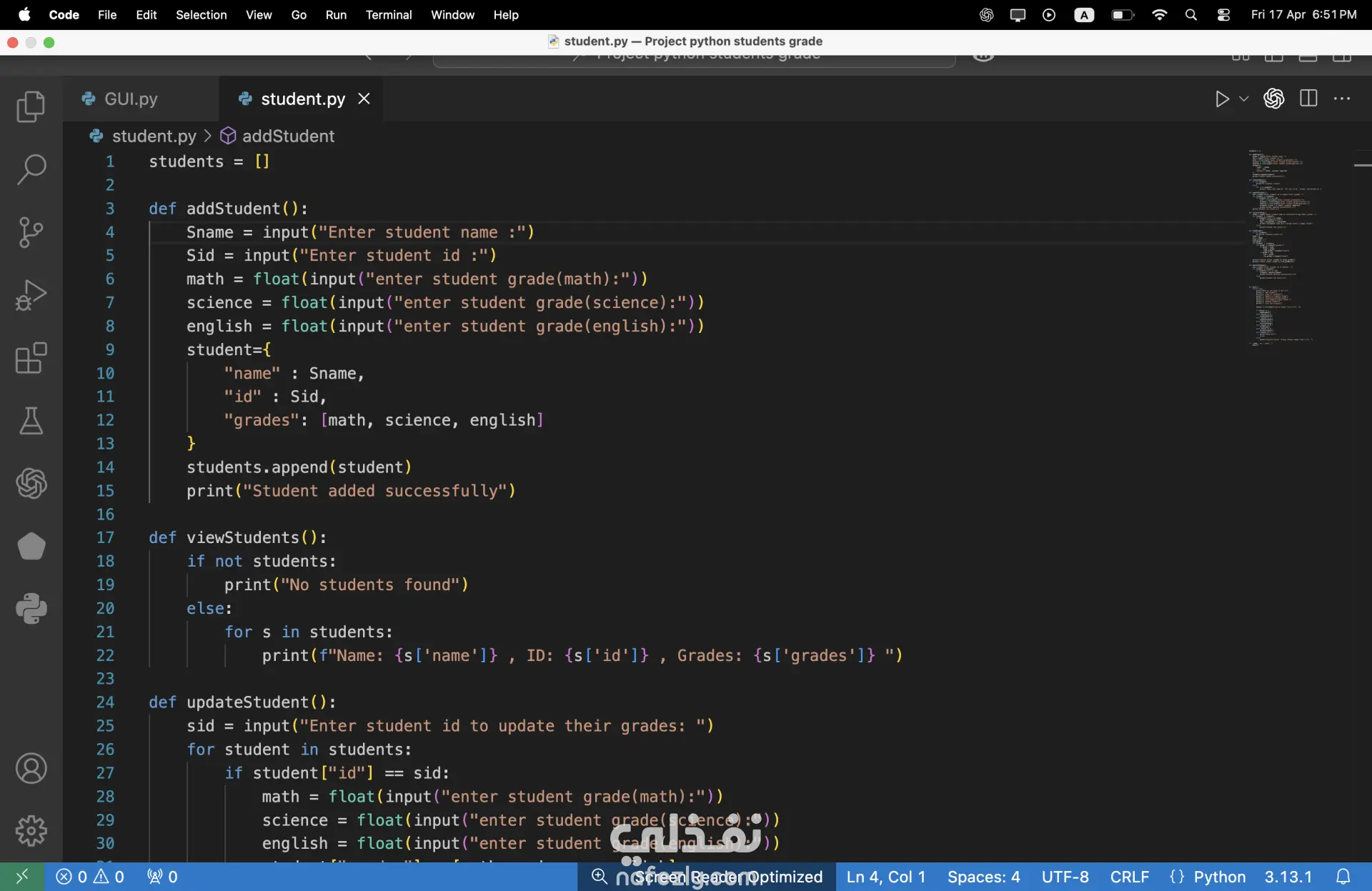
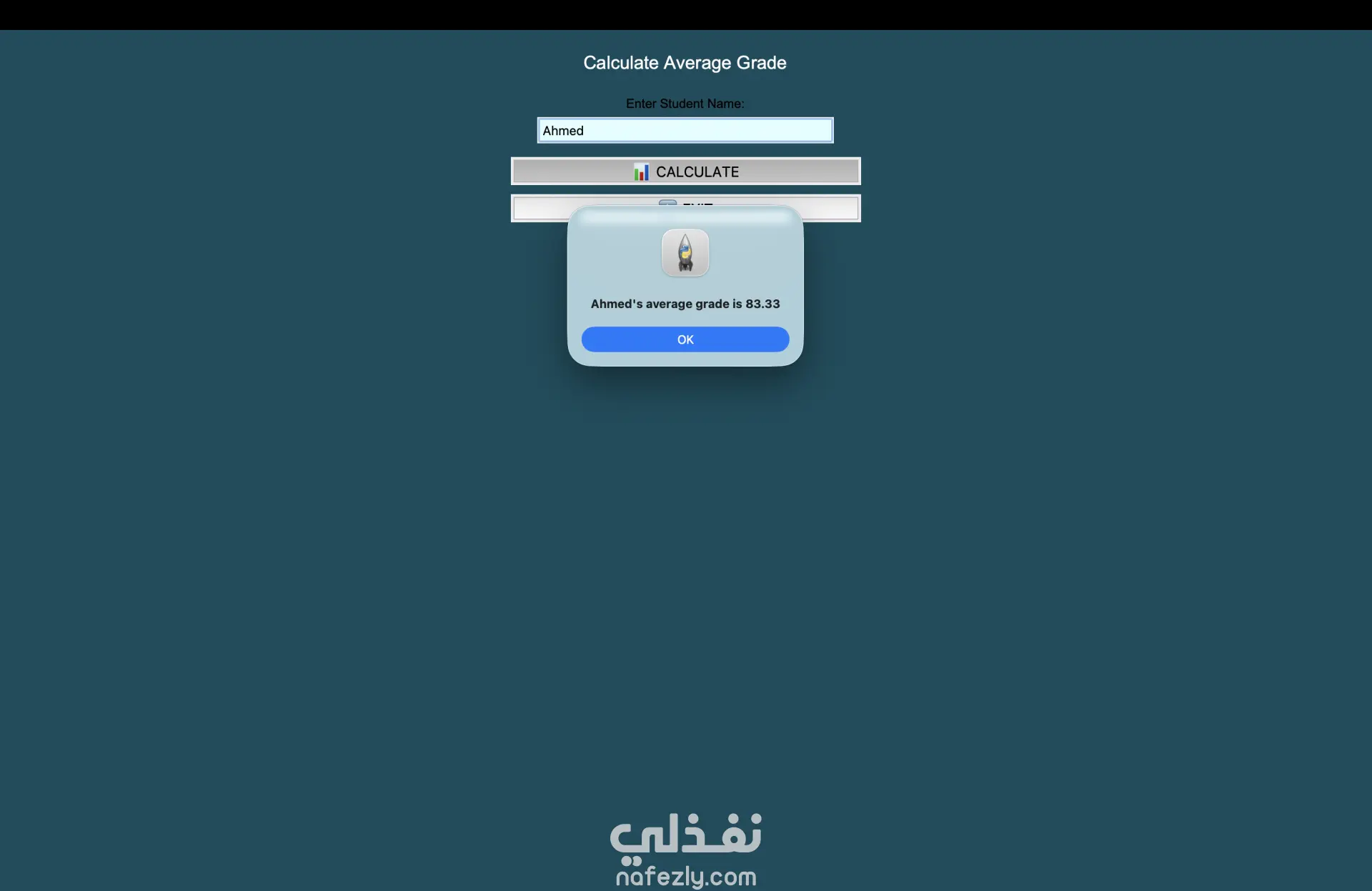
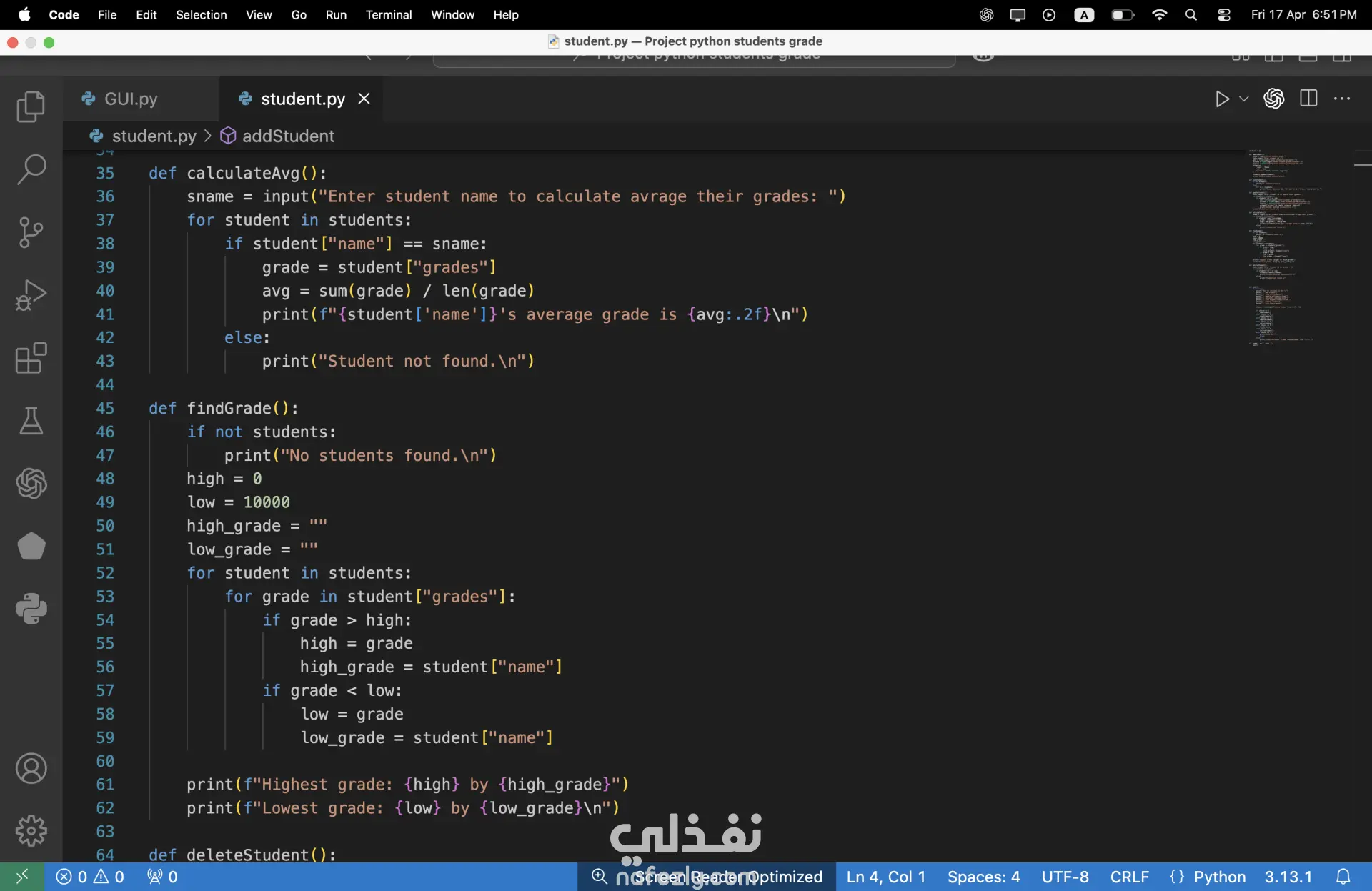
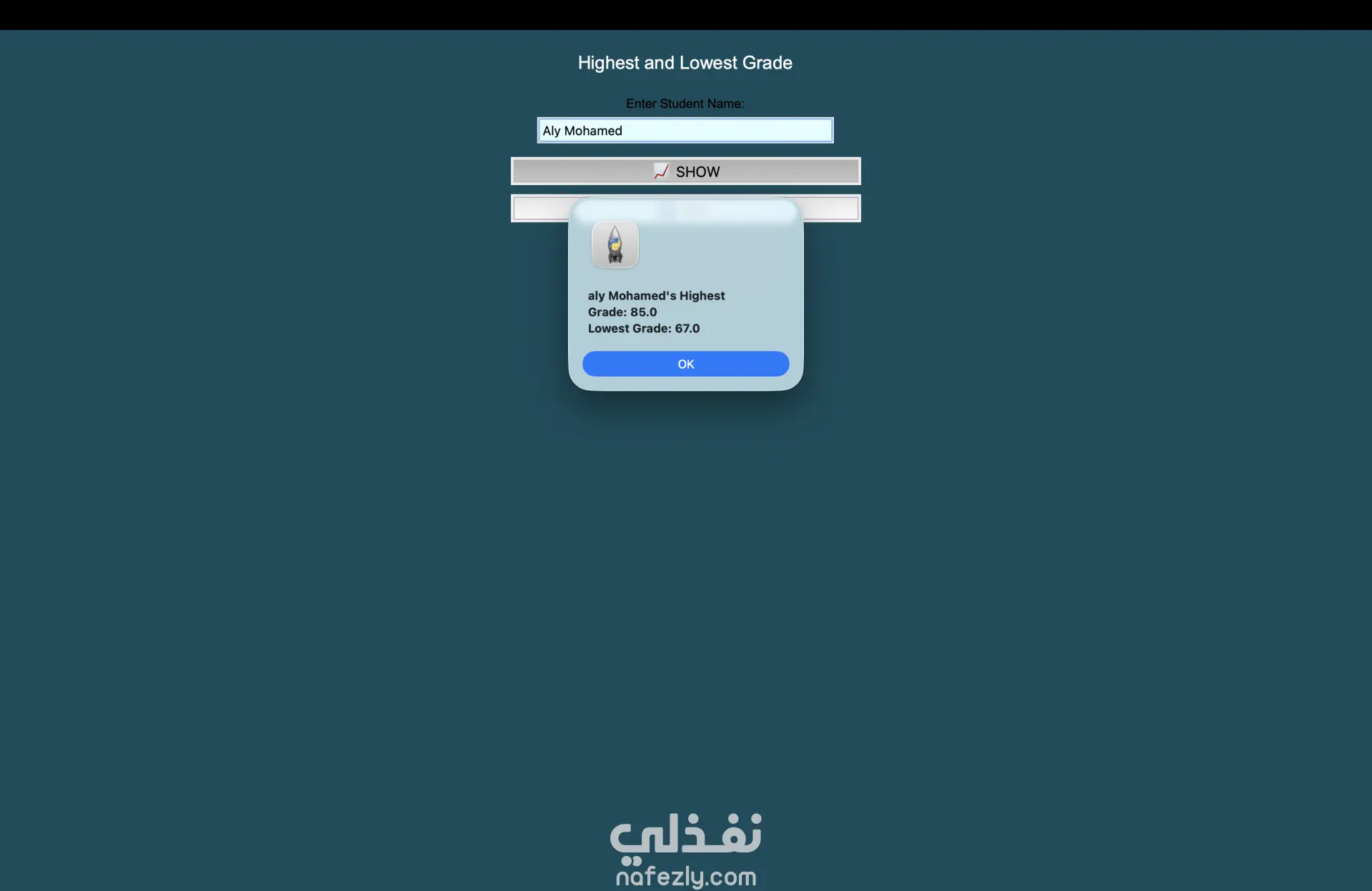
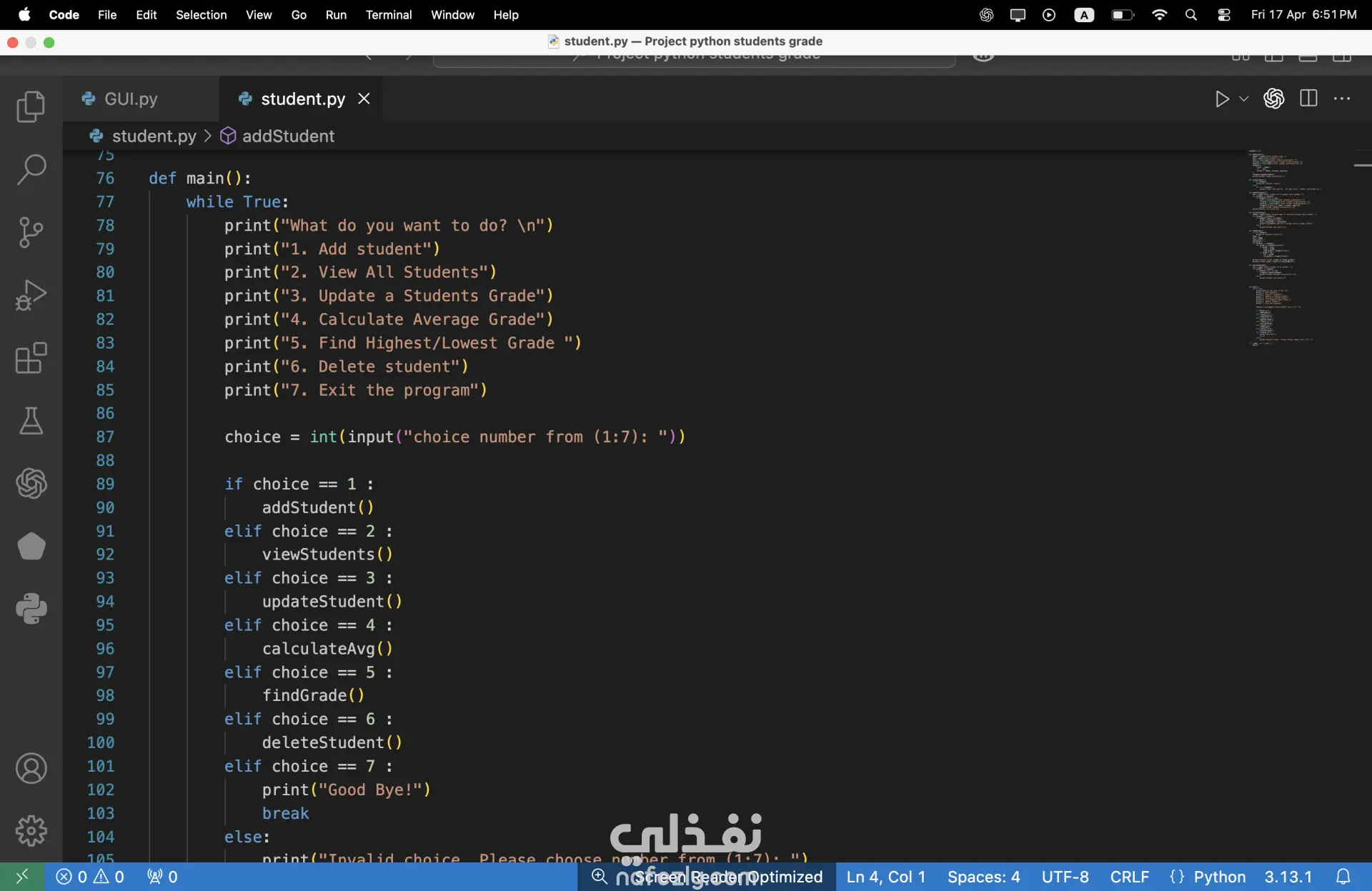
1. Backend Data Management To make this project functional, you need a way to store student information. There are three common ways to handle this: In-Memory (Lists/Dictionaries): Fastest for development, but data is lost once you close the program. Flat Files (CSV/JSON): Great for saving data permanently in a simple format. Database (SQLite): The professional choice. It allows you to search, add, and delete records efficiently using SQL queries. 2. Functionality Breakdown (Button Logic) ➕ ADD STUDENT Action: Opens a secondary window or a form. Logic: Collects input (Name, ID, Grade), validates that the fields aren't empty and that the grade is a number, then appends it to your data source. ❌ DELETE STUDENT Action: Prompts the user for a specific Student ID or Name. Logic: Searches the database for a match. If found, it removes the entry and refreshes the view. It usually includes a Confirmation Dialog (e.g., "Are you sure?"). 📊 CALCULATE AVERAGE GRADE Logic: Iterates through all student records, sums the grades, and divides by the total count. Formula: Average= N ∑Grades Output: Displays the result in a popup message box. 👁️ VIEW ALL STUDENTS Action: Launches a table view. Technical Detail: In Python's Tkinter, this is typically done using the Treeview widget, which allows for columns (ID, Name, Grade) and scrolling. 📈 HIGHEST/LOWEST GRADE Logic: Uses Python's built-in functions like max() and min() on the list of grades to identify the top-performing and lowest-performing students. 🚪 EXIT Action: Closes the application. Logic: Ensures all data streams are closed properly to prevent file corruption. 3. Technical Stack (The "Tools") Based on the screenshot, here is what is happening "under the hood": GUI Framework: Likely Tkinter (Python’s standard GUI library). Layout Manager: You are using either .pack() with padding or .grid() to center those buttons. Event Handling: Each button is linked to a Python function using the command=function_name attribute.
مهارات العمل
بطاقة العمل

طلب عمل مماثل